Overview
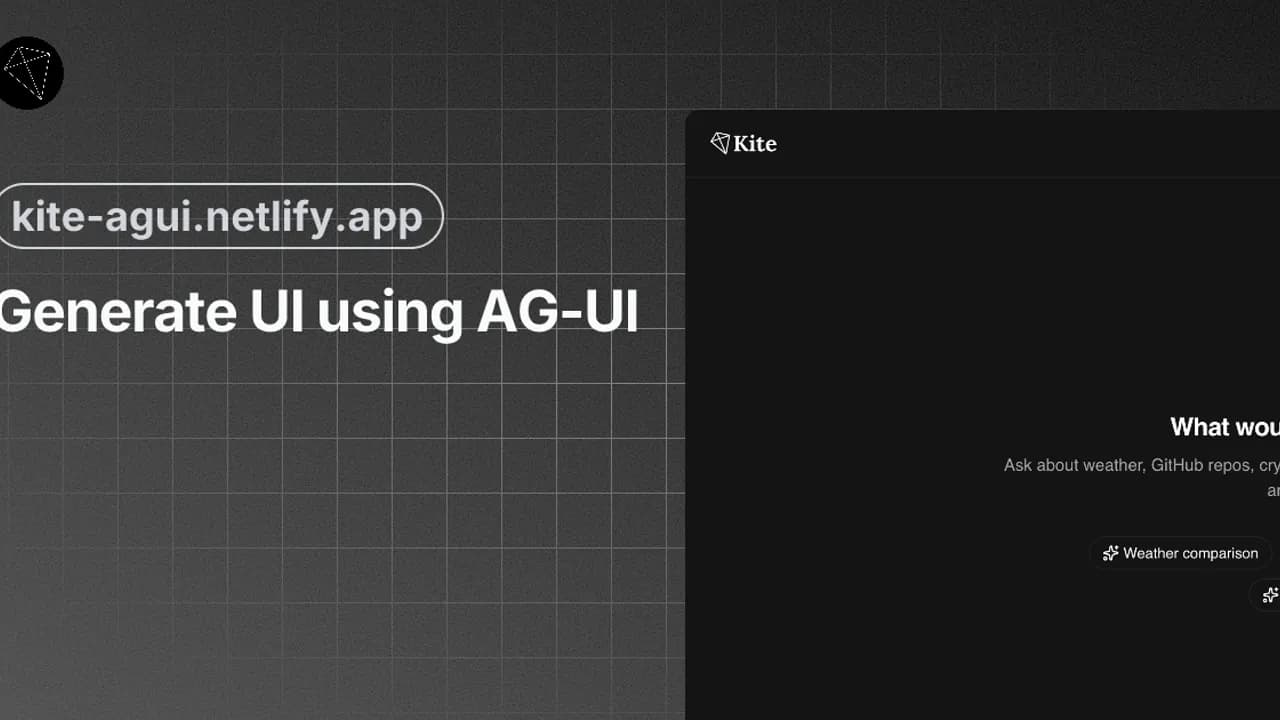
Kite is an AI-powered data exploration assistant. You ask questions about weather, crypto prices, GitHub repositories, or news. Kite fetches real-time data and builds interactive dashboards. The dashboards render entirely from JSON UI specifications. Kite serves as a reference implementation of the AG-UI protocol.
Approach
Kite separates concerns across four layers:
- Client: React 19 UI with streaming chat. It renders AI responses as JSON-defined UI components with
@json-render/react. - Server: TanStack Start server functions handle requests and rate limiting. They proxy requests to the AI layer.
- AI: ToolLoopAgent orchestrates tool calls. It formats responses as text and JSON UI specs.
- Tools: Server-side functions fetch real data from external APIs (weather, GitHub, crypto, web search).
How It Works
- You send a message asking about any topic (weather, crypto, GitHub, etc.)
- The agent calls tools to fetch real, up-to-date data from external APIs
- The agent responds with a conversational summary and a JSON UI specification
- The UI renderer transforms the JSON spec into interactive React components
- You see a dashboard with charts, tables, metrics, and rich content
The UI is defined entirely in JSON. The AI outputs both text and a component tree. @json-render/react renders the component tree.
Tech Stack
- TanStack Start
- React 19
- shadcn/ui
- Tailwind CSS 4
- Upstash Redis
- Netlify
- AI SDK